What you get
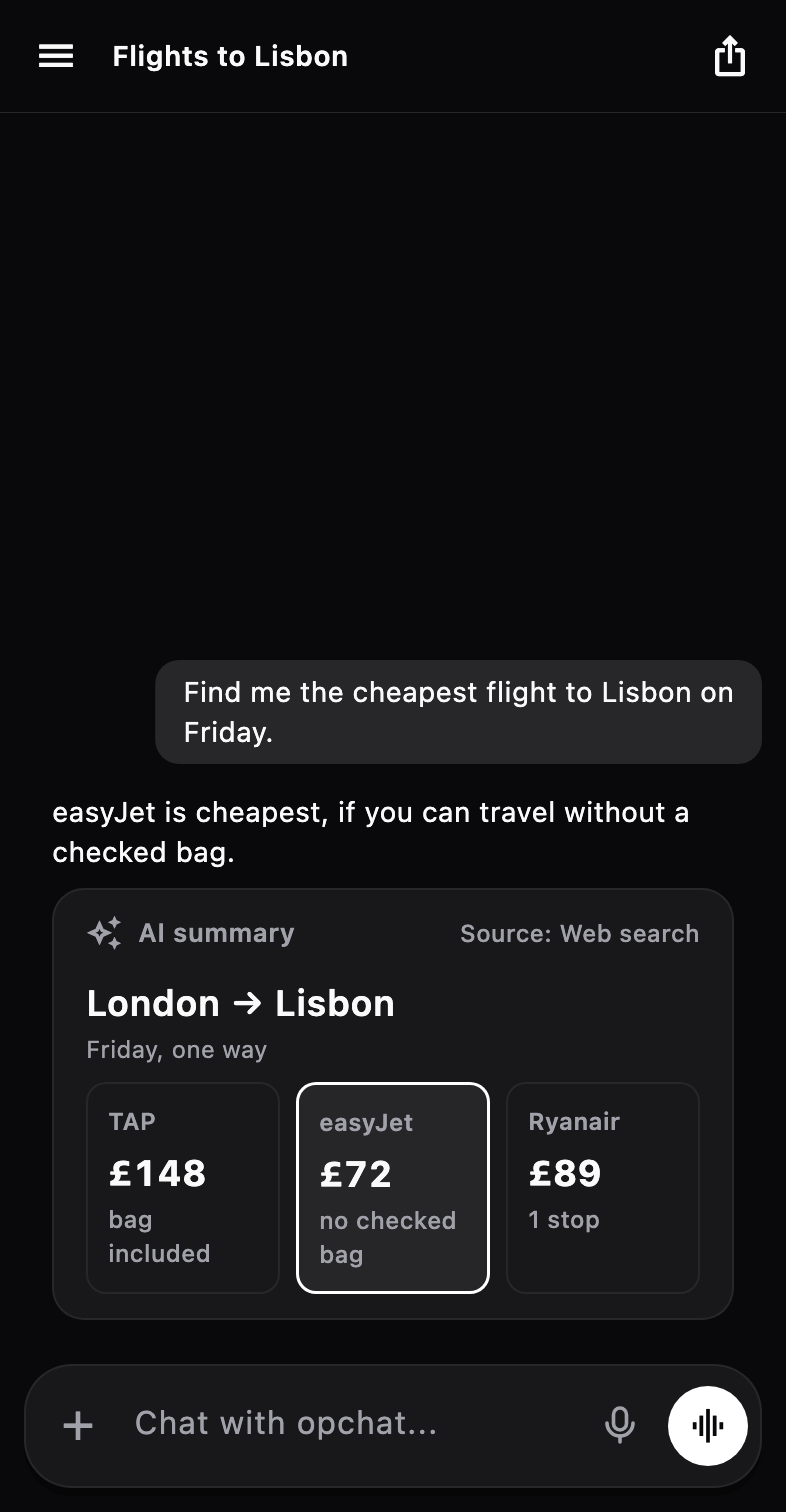
opchat is a chat app that connects straight to the AI provider you pick. You bring the key, and opchat brings the interface: streaming replies, memory across chats, web search, voice, cards for calendars and forecasts, and Standby, a dashboard for your phone on its charger.
| opchat free | opchat Pro | |
|---|---|---|
| Cloud providers | One | All of them at once |
| On-device models | Included | Included |
| Web search, memory, reminders, dictation | Included | Included |
| Voice mode and Standby | Included | |
| Integrations, MCP servers, custom skills | Included | |
| Image generation | Included | |
| Price | Free | One-time purchase, shown in the app |
Connect a key in under a minute
- Create an API key with your provider. Our guide on what BYOK means lists where.
- In opchat, open Settings → Models and choose the provider.
- Paste the key and tap Connect. opchat tests it and picks sensible starter models.
See what a model costs before you use it
With OpenRouter, opchat shows each model’s price per million tokens, its context size and its capabilities, so you can sort by cost and avoid surprises. Free variants are one filter away.
Compare your options
Read our comparison of the best BYOK AI chat apps, or learn how to use OpenRouter on your phone.